You keep presenting. They keep up.
Share your screen with a class, a workshop or a client. They zoom in and copy on their own, so you never stop to repeat a line. You see who is watching and whose hand is up, and when you stop, the same link is the replay.
Stream from Windows. They watch in Chrome or Edge. On a Mac or Linux?
Beta · SHA-256
While you're live
They keep up without stopping you.
When they're writing down what's on your screen
They copy it instead.
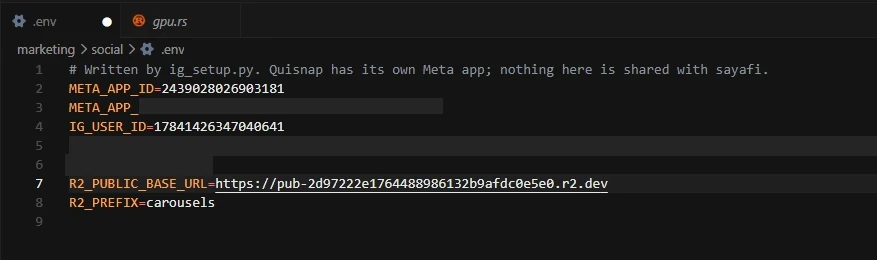
Any word on your screen can be selected and copied. One drag, and they're back with you.

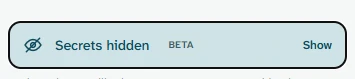
Secrets on your screen are covered. Beta
Keys, tokens and passwords are covered before anyone sees them, and left out of what they can copy.
When it's too small to read
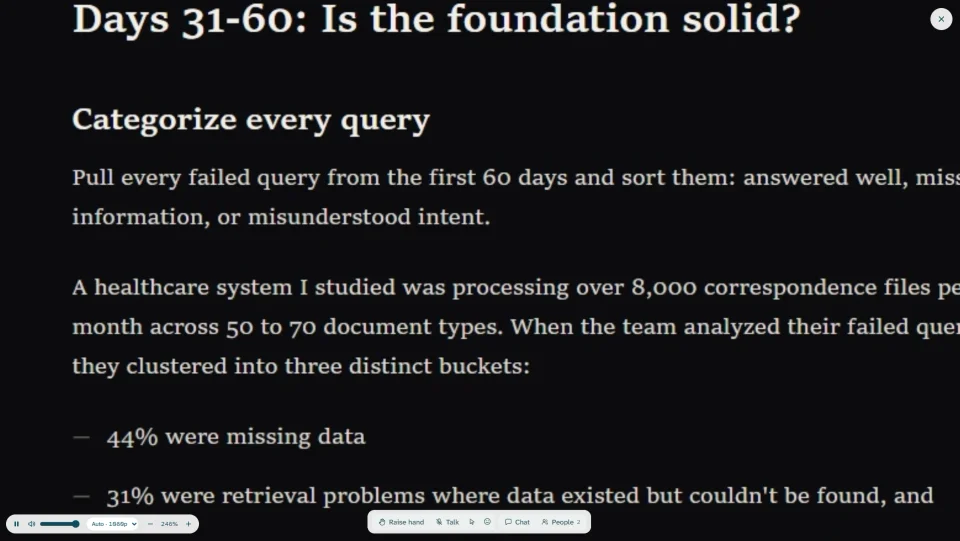
They zoom in themselves.
They scroll over your screen and it grows around their mouse, as close as they need. The words stay sharp, because they're looking at your whole screen, not a picture shrunk to fit their window.
Zooming the browser only makes the buttons bigger. This makes your screen bigger, and nothing moves on yours.
When you ask if that made sense, and get silence
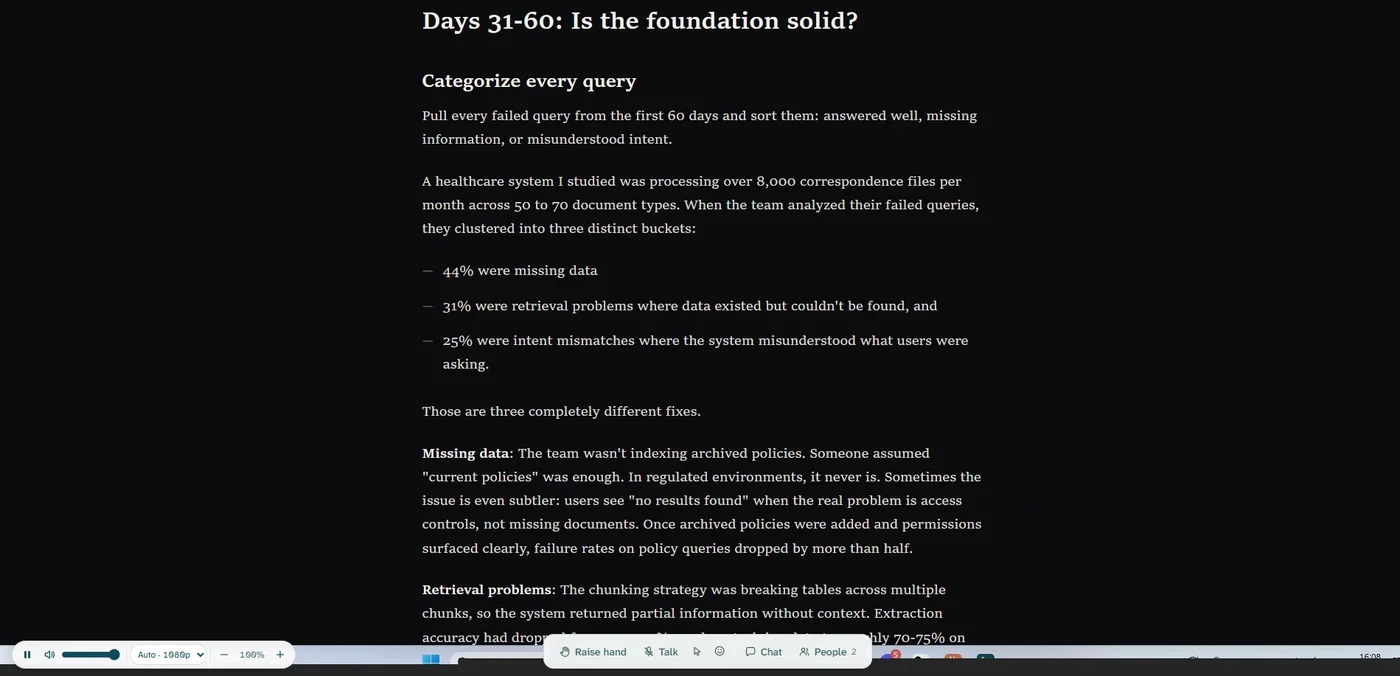
They answer with a face. And more.
A face the whole room sees tells you they're still with you, without anybody unmuting.
One link
Go live, send the link, and they're watching.
Your link is copied when you go live. Send it any way you like. When you stop, the same link is the replay.
The password is inside the link, so one click gets them in.
Paste it into
- An email
- A team chat
- A calendar invite
- A course page
- A text message
- While you streamit's live
- When you stopit's the replay
- For 7 daysnothing to resend
After you stop
The same link is the replay.
When nobody watches the recording
They search the replay for any word on screen.
Type a word and jump to the moment it appeared. No scrolling through an hour of video.
A replay searched for the word missing: the plan on screen with the word marked, thirteen moments it appeared listed beside the picture, and the same moments marked along the timeline.
When you can't tell if they're following
Set up in one screen, then see the whole room.
Pick what to share and go live. Then who's watching, whose hand is up and who's talking are in one window. Let people talk, mute them, or reply in the chat.
Quisnap before you go live: two screens to pick from, the built-in display chosen, microphone on, camera off, replay on, and Go live.
Quisnap while live: eighteen watching, two hands up in order, one person talking, everyone's connection, and the files handed out.
Every session you've run, and everything in it.
Search all of them for anything you've shown.
Your sessions, today's at the top: 52 minutes, 18 people, replay ready.
Most copied in today's session, a form link first at fifteen times.
The eighteen people who came, each with when they joined.
Today's chat: a pinned welcome, then the questions and answers at their moments.
For anyone who presents a screen to people who need to follow it.
A class, a team, a client.
Classes
Students search the replay for the slide they need.
Workshops
Everyone copies each step exactly, and whoever is stuck raises a hand.
Product demos
Your client opens a link and sees every detail. The replay is your follow-up.
Onboarding
New people copy the setup as you go, and look it up again later.
Office hours
Questions come attached to what they're about, and hands wait their turn.
Training
Hand out files as you present, and send the replay to anyone who missed it.
Your sessions stay yours.
We keep as little as we can, for as short as we can.
Details in the terms.
- Only people you let in
- Each session has its own link and password. Make one public, and you choose whether people ask first.
- No sign-up to watch
- They type a name. That's it.
- Replay is your call
- Turn it off and no video is kept.
- Deleted after 7 days
- Replays, chat and names are erased.
- Stays on your PC
- The words on your screen are picked out on your computer, not online.
- No ads, nothing sold
- Nothing profiled or used to train AI. These pages count visits; your sessions are never tracked.
Before you download.
Is it free?
Yes. Quisnap is in beta, and free while it is.
What do the people watching need?
Your link and Chrome or Edge. They type a name and they're in.
Can I use it alongside a call I'm already on?
Yes. Keep talking on your call and stream your screen here, with your microphone off.
Do I need an account?
To stream, you sign in with your email. Watching needs no account.
Does it listen to what I say?
No. It only picks up the words on your screen, and it does that on your PC.
Mac or Linux?
Streaming needs Windows 10 or later for now. Watching works on any computer with Chrome or Edge. Leave your email or join the Discord, and we'll tell you when it streams from yours.
Why does Windows warn me when I install it?
Quisnap is new, so Windows doesn't know it yet. Choose More info, then Run anyway.
How long do replays stay?
7 days, then they're deleted with the chat and the names. Turn replay off and no video is kept.
Stream your first session in under a minute.
- 1Download and pick a screen.
- 2Go live. Your link is copied.
- 3Send it. After, it's the replay.