Share your screen with a link. They just open it.
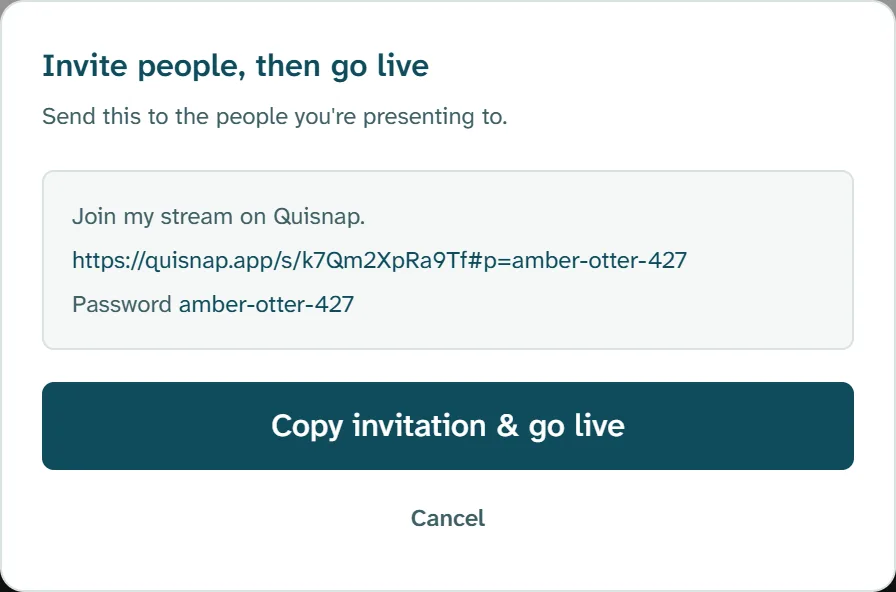
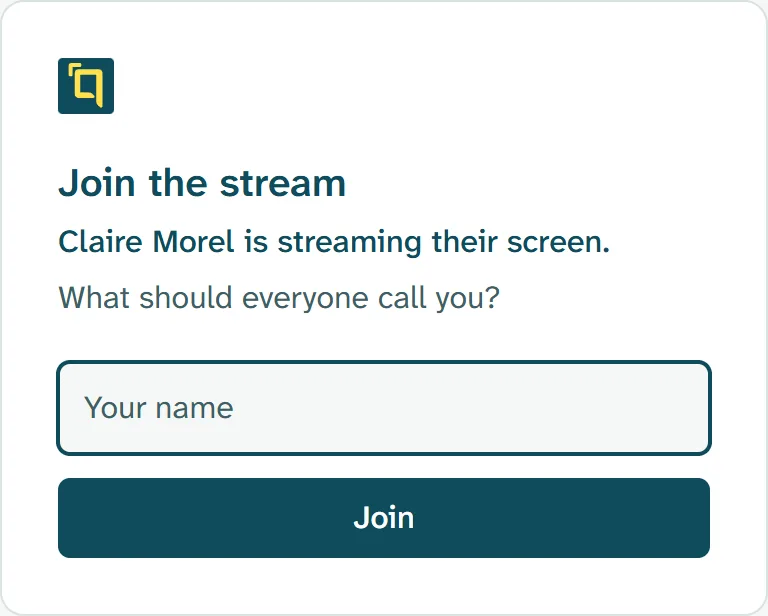
You go live and your link is already copied. Paste it wherever your people are. They open it in their browser, type their name, and they're watching. Nothing to install, no account to make, no password to type.
Download free for Windows
Share from Windows. They watch in Chrome or Edge.
Your side: one button.
Go live, and the invitation is in front of you: the link, with its password inside it. One button copies it and starts sharing.
Paste it into an email, a team chat, a calendar invite, a course page or a text message. Wherever you'd put a link, it works.
When you stop, the same link is the replay.
Nothing to upload and nothing to send again. Whoever missed it opens the link they already have and searches it for any word that was on screen.